
Proton Pass Review: Is It Actually Worth It?
A password manager holds the keys to your entire online life — so the real question isn’t which one has the most features, it’s which one you can actually verify can’t read your vault. We looked at Proton Pass through that lens.
Starting Price
Free / Pass Plus
Best For
Privacy & Aliases
Encryption
End-to-End
Open-Source
Yes, Audited
Our Ratings
What Makes Proton Pass Different
Most managers store passwords. Proton Pass is built to prove it can’t read them — and to stop your real email address leaking in the first place.
End-to-End Encrypted, Zero-Access
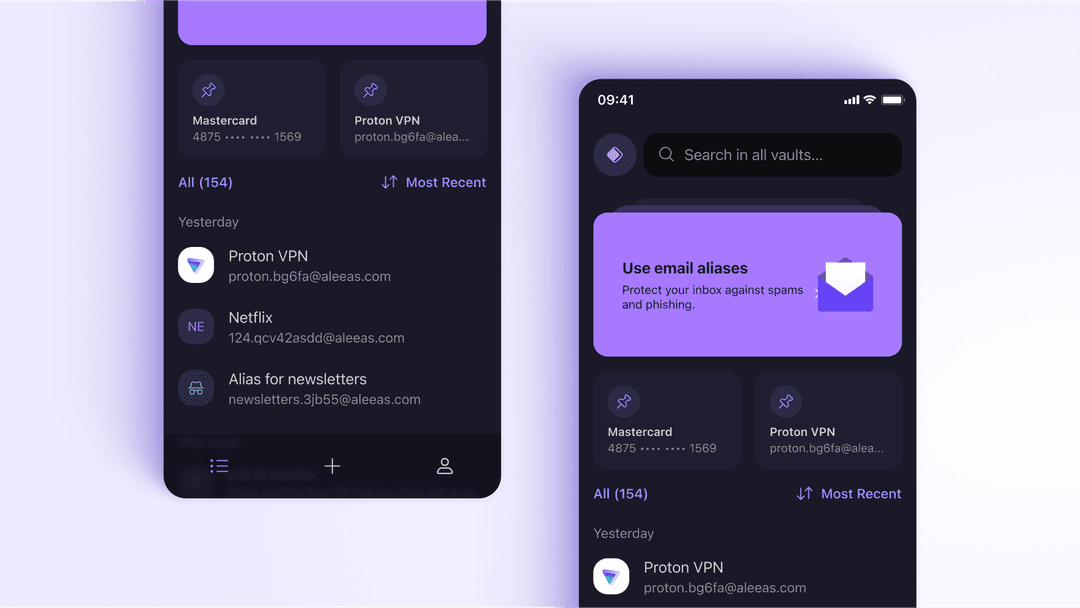
Your entire vault — passwords, notes, even the URLs — is end-to-end encrypted. Proton's zero-access architecture means Proton itself cannot read your data, even if compelled to.
Built-In Email Aliases
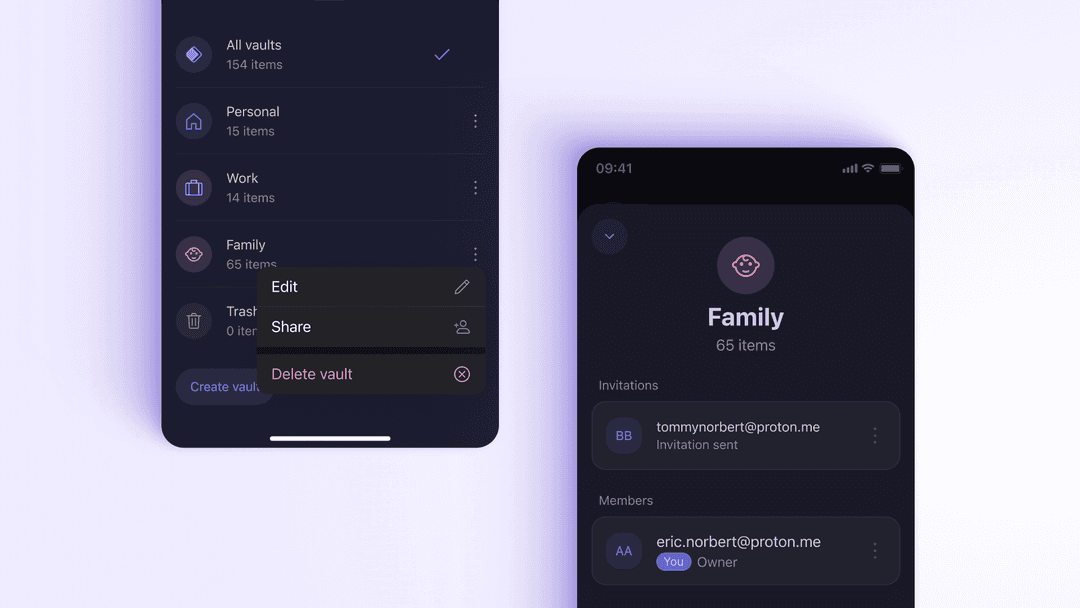
Generate a random 'hide-my-email' alias for every site instead of handing over your real address. If a site is breached or starts spamming, disable the alias without touching your inbox. The feature that turns a vault into a privacy tool.
Open-Source & Independently Audited
Every Proton Pass app is open-source and independently audited, so the security claims can be inspected rather than trusted. The strongest form of 'trust but verify.'
Passkey Support
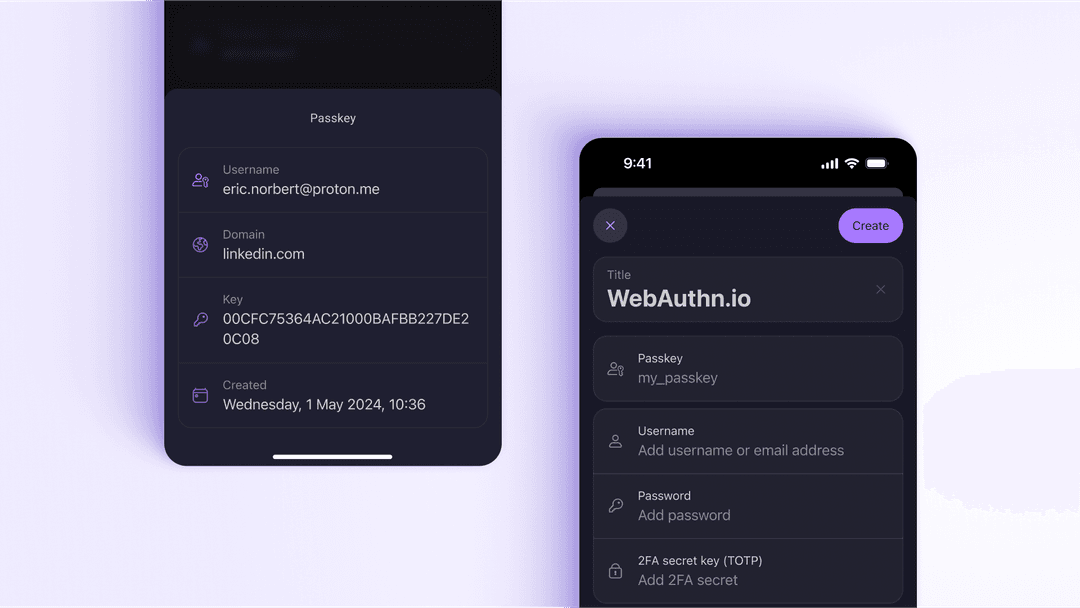
Create, store and sync passkeys across all your devices — the passwordless standard replacing logins — without being locked into a single operating system's ecosystem.
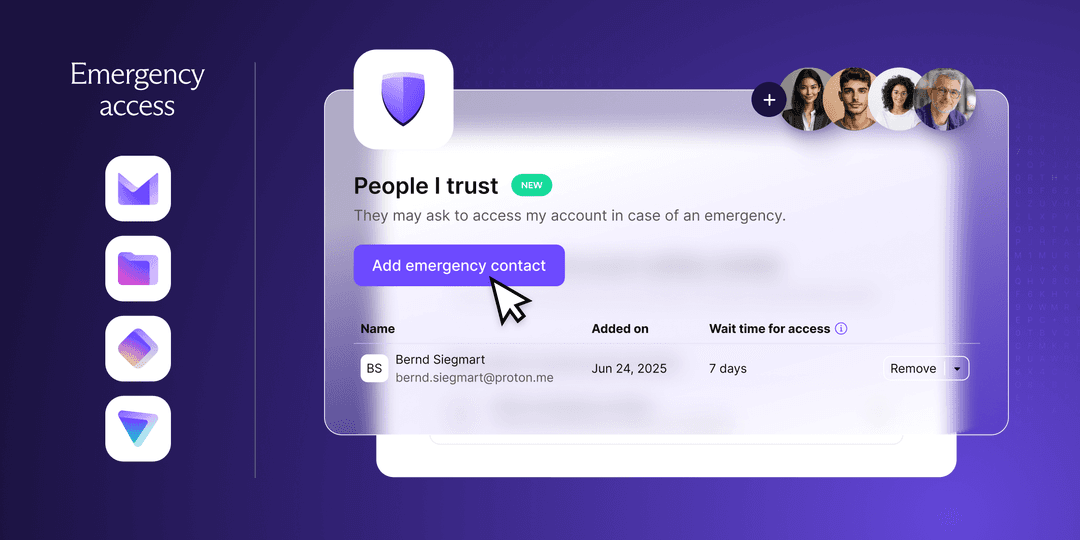
Emergency Access
Designate a trusted contact who can reach your essential logins if something happens to you — with a time-delay you control, so access is never instant or silent.
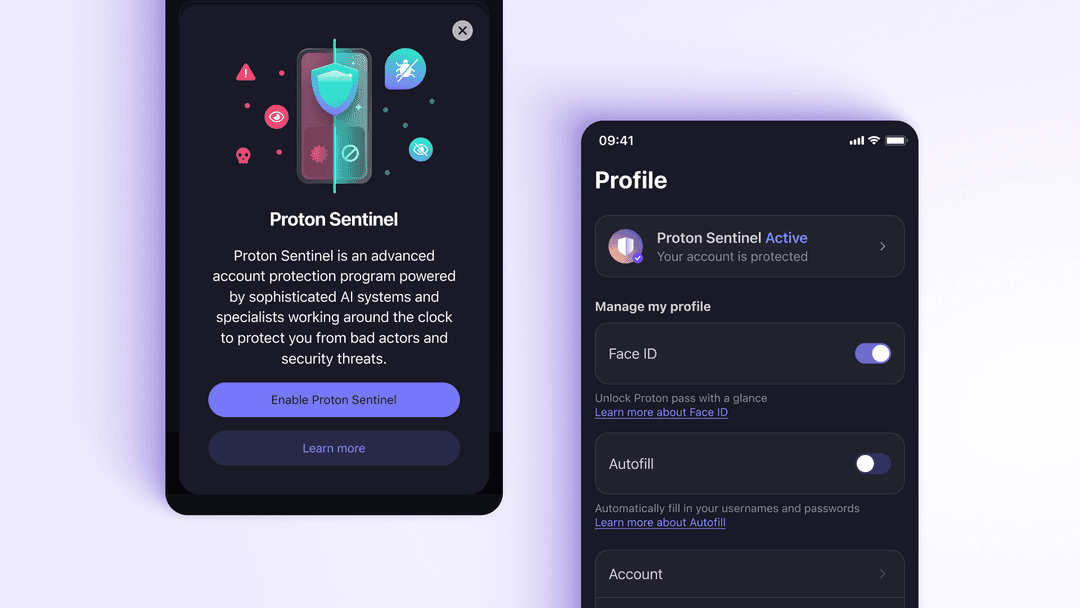
Proton Sentinel & Dark Web Alerts
Advanced account-protection for high-risk users, plus dark-web monitoring that warns you when your credentials surface in a breach — so you can rotate them before they're used.
Proton Pass Pricing: What Plus Unlocks
Proton Pass’s free plan is genuinely usable — unlimited logins across unlimited devices, with the same end-to-end encryption as paid. It’s an honest entry point, not a crippled teaser.
But the features that make Proton Pass stand out sit on Pass Plus: unlimited email aliases, secure vault sharing, and emergency access. Pass Plus is also included in Proton’s bundled Unlimited plan alongside Mail, VPN and Drive, which is the best value if you want the whole ecosystem. Because pricing shifts with promotions, confirm the current figure on Proton’s site before subscribing.
What We Liked
- ✓ Open-source and independently audited — verifiable privacy, not just marketed
- ✓ End-to-end encrypted with zero-access architecture (Proton can't read your vault)
- ✓ Built-in unlimited email aliases on Pass Plus — a genuine privacy differentiator
- ✓ Passkey support with no ecosystem lock-in
- ✓ Backed by Proton, a privacy company with 100M+ users
- ✓ Works across Chrome, Firefox, Edge, Windows, macOS, Linux, iOS and Android
Worth Knowing
- — The alias and sharing features that make it special are mostly Pass Plus benefits
- — Best value if you already use other Proton apps (Mail, VPN, Drive)
- — Interface is newer and less battle-worn than 1Password's
Our Bottom Line on Proton Pass
If you want a password manager whose privacy you can actually verify — open-source, end-to-end encrypted, with a company that can’t read your vault — Proton Pass is, in our view, one of the two best choices available in 2026 (Bitwarden being the other). Its built-in email aliases push it ahead for anyone who cares about limiting how much of their identity leaks across the web. It earns an overall score of 4.6/5 from us.
Pass Plus is the tier worth paying for: unlimited aliases, secure sharing and emergency access are what turn it from a good vault into a genuine privacy tool. The free plan is an honest way to try it first, but it isn’t the version that delivers what makes Proton Pass special.
Get Proton Pass →Comparing options? See how it stacks up in our best password managers guide, or check your current password with our free password strength checker.