How to Check If an Email Is Fake

Fake emails — also known as phishing emails — are one of the most common ways attackers steal passwords, financial information, and personal data.
These emails are designed to look legitimate, often imitating trusted companies, banks, or services. Knowing how to check if an email is fake can help you avoid costly mistakes.
Why Fake Emails Are So Effective
Fake emails work because they:
- Look like they come from trusted sources
- Create urgency or fear
- Trick users into clicking links or downloading attachments
- Exploit human behavior rather than technical weaknesses
Even experienced users can fall for well-crafted phishing emails.
Step-by-Step: How to Check If an Email Is Fake
1. Check the Sender’s Email Address
The sender name may look legitimate, but the actual email address often reveals the truth.
Look for:
- Misspelled domains
- Extra words or characters
- Free email providers posing as companies
Example:
support@paypa1.cominstead ofpaypal.com
Always verify the full email address — not just the display name.
2. Look for Generic Greetings
Fake emails often use greetings like:
- “Dear customer”
- “Dear user”
Legitimate companies usually address you by name.
3. Watch for Urgency or Threats
Common phrases include:
- “Your account will be suspended”
- “Immediate action required”
- “Verify now to avoid losing access”
Urgency is used to push you into acting without thinking.
4. Inspect Links Carefully
Never trust links blindly.
Before clicking:
- Hover over the link to preview the URL
- Check for misspellings or unusual domains
- Avoid shortened links
If unsure, do not click — visit the official website manually.
5. Be Cautious With Attachments
Unexpected attachments can contain:
- Malware
- Ransomware
- Spyware
Avoid opening attachments unless you are certain they are safe.
6. Check for Spelling and Formatting Issues
Many fake emails contain:
- Grammar mistakes
- Awkward phrasing
- Inconsistent formatting
While not always present, these are common warning signs.
7. Verify the Email Through Official Channels
If an email claims to be from a company:
- Contact the company directly
- Use official websites or apps
- Do not rely on the email itself
Verification is one of the most reliable ways to confirm legitimacy.
Can Fake Emails Look Completely Real?
Yes.
Modern phishing emails can:
- Copy exact branding
- Use real logos and layouts
- Appear professionally written
This is why checking technical details — like sender address and links — is critical.
What to Do If You Receive a Fake Email
If you suspect an email is fake:
- Do not click any links
- Do not download attachments
- Do not reply
- Mark it as spam
- Delete the email
- Report it if necessary
If you interacted with it, take additional security steps immediately.
Stay Protected Beyond Just Checking Emails
While identifying fake emails is important, many threats go beyond what you can see — including data breaches, identity theft, and account takeovers.
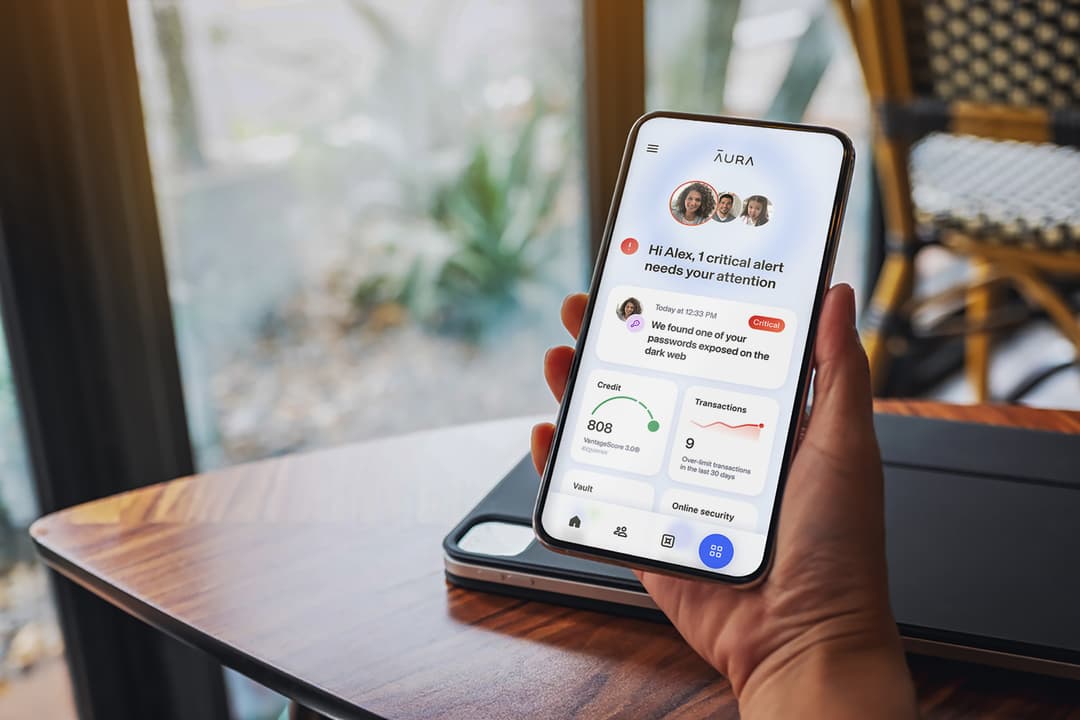
Tools like Aura provide real-time monitoring, safe browsing, and alerts if your data is exposed or used maliciously.

 Recommended
Identity Protection That Works While You Don’t Have To
Aura runs quietly in the background — monitoring your credit, scanning the dark web, and protecting your devices. If something changes, you’ll know instantly.
* Affiliate link. We may earn a commission at no extra cost to you.
Final Thoughts
Fake emails are designed to look convincing, but small details often reveal the truth.
Before trusting any message, pause and ask:
Is this email real — or designed to trick me?
That extra moment can protect your accounts, data, and identity.
Sources & References
Frequently Asked Questions
How can I tell if an email is fake?
You can tell if an email is fake by checking the sender's email address, looking for spelling errors, avoiding urgent or threatening language, verifying links, and confirming the message with the sender directly.
What are the signs of a fake email?
Common signs include mismatched sender addresses, generic greetings, urgent requests, suspicious links, unexpected attachments, and poor grammar or formatting.
Can a fake email look real?
Yes. Fake emails are often designed to look identical to legitimate messages, including logos, branding, and formatting, making them difficult to identify without careful inspection.
Is it safe to open a fake email?
Opening an email is usually safe, but clicking links, downloading attachments, or replying can expose you to phishing or malware risks.
What should I do if I receive a fake email?
Do not click any links or download attachments. Mark the email as spam, delete it, and report it if necessary. If it appears to come from a known company, verify it through official channels.