Is It Safe to Click Links From WhatsApp?

WhatsApp is one of the most widely used messaging apps in the world, which also makes it a popular target for scammers. Links shared through WhatsApp messages may look harmless — especially when they come from friends, family, or group chats.
But is it safe to click links from WhatsApp?
The short answer is: sometimes — but often no.
Why WhatsApp Links Are Commonly Used in Scams
Scammers prefer WhatsApp because:
- Messages feel personal and trustworthy
- Links often come from known contacts
- Users click quickly without thinking
- Messages spread rapidly through groups and forwards
Once a single account is compromised, attackers can reach dozens or hundreds of people instantly.

Want full protection beyond link checks? Aura monitors threats, blocks phishing & protects your identity — all in one app. Save up to 63% today.
Get Aura →Common WhatsApp Link Scams to Watch Out For
1. “Is This You?” or “Look at This” Messages
These short messages are designed to spark curiosity. The link usually leads to a phishing page or fake login screen.
2. Prize, Giveaway, or Coupon Links
Messages claiming you’ve won:
- Free vouchers
- Gift cards
- Cash rewards
These almost always lead to scam websites.
3. Account or Security Alerts
Links warning that:
- Your account will be blocked
- You need to verify your number
- Suspicious activity was detected
These messages try to scare you into clicking quickly.
4. Group Message Spam Links
Scammers often drop malicious links into large WhatsApp groups, hoping someone will click before questioning it.
Are Links From Friends on WhatsApp Safe?
Not always.
If a friend’s account is compromised, attackers can send malicious links that look completely legitimate. This is one of the most effective WhatsApp scam techniques.
If a message feels unusual or out of character, always verify before clicking.
How to Check If a WhatsApp Link Is Safe
Before clicking any link from WhatsApp:
- Ask yourself if you were expecting the message
- Check the full URL carefully for misspellings or extra words
- Be cautious of shortened links
- Avoid links that create urgency or pressure
- Use a Link Safety Checker to scan the URL
If you’re unsure, don’t click — open the website manually instead.
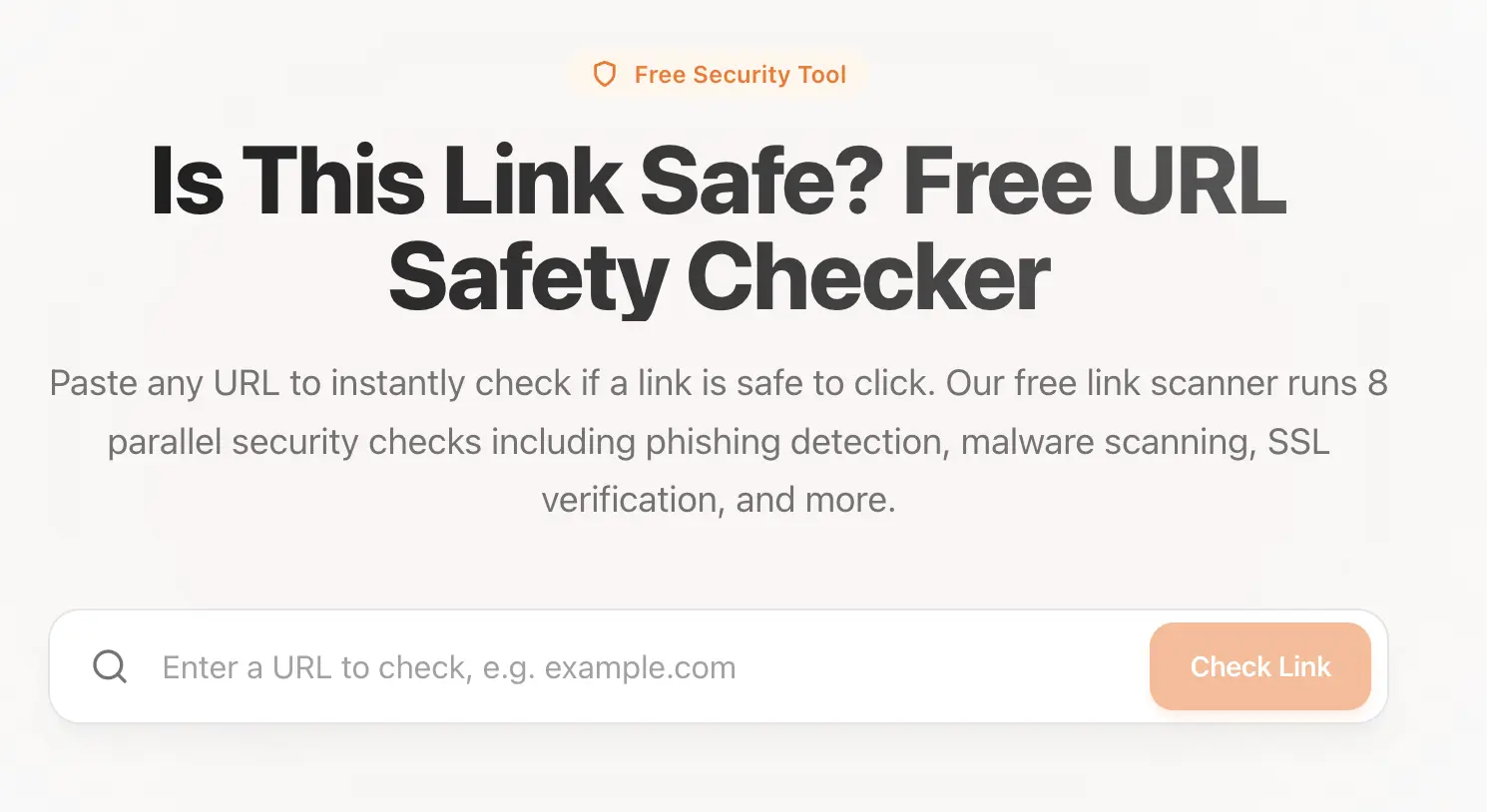 Use our tool: Link Safety Checker to check if a link is safe.
Can HTTPS WhatsApp Links Still Be Dangerous?
Yes.
Even if a WhatsApp link shows HTTPS, it can still lead to:
- Fake websites
- Phishing pages
- Scam stores
HTTPS only encrypts the connection; it does not guarantee legitimacy.
What to Do If You Clicked a Suspicious WhatsApp Link
If you clicked a link and suspect it was unsafe:
- Close the page immediately
- Do not enter any personal information
- Run a malware scan on your device
- Change passwords for affected accounts
- Enable two-factor authentication
- Inform the contact who sent the link
Taking action quickly can prevent further damage. If your information was captured, the risk can surface long after the incident — stolen credentials are frequently reused or sold. Credit and identity monitoring gives you visibility into how your data is being used, even when you can't see it yourself.
 ·Award-Winning Online SafetyRecommended
The Smart, Simple Way To Stay Safe Online
All-in-one protection from identity theft, fraud, and online threats — includes $1M Identity Theft Insurance, credit monitoring, VPN, and antivirus.
Consistently ranked among the top identity protection services by Forbes Advisor, US News, and Money.
* Affiliate link. We may earn a commission at no extra cost to you.
How to Stay Safe on WhatsApp
To reduce your risk:
- Disable auto-downloads for media
- Be cautious with forwarded messages
- Avoid clicking unexpected links
- Verify suspicious messages with the sender
- Use link scanning tools before clicking
A few extra seconds of caution can prevent serious problems. For similar risks via text message, read is it safe to click links from SMS messages?
Final Thoughts
WhatsApp links are not inherently unsafe — but they are one of the most common ways scams spread today.
Before clicking any link, pause and ask:
Is it safe to click links from WhatsApp?
If you’re unsure, it’s always safer to check first than to recover later.
Sources & References
Frequently Asked Questions
Is it safe to click links from WhatsApp?
Not always. While some links on WhatsApp are legitimate, many scams and phishing attacks spread through WhatsApp messages. You should always verify the sender and inspect the link before clicking.
Can WhatsApp links contain malware or phishing scams?
Yes. WhatsApp links can lead to phishing websites, fake login pages, malware downloads, or scam sites designed to steal personal information.
How do scammers spread links on WhatsApp?
Scammers spread links through hacked accounts, fake contacts, group messages, and forwarded messages that create urgency or promise rewards.
Are links from known contacts on WhatsApp safe?
Not necessarily. If a contact’s account is compromised, attackers can send malicious links that appear to come from someone you trust.
What should I do if I clicked a suspicious WhatsApp link?
If you clicked a suspicious WhatsApp link, close the page immediately, avoid entering information, run a malware scan, change passwords if needed, and warn the contact who sent the link.