Is HTTPS Enough to Trust a Website?

Is HTTPS Enough to Trust a Website?
Many people believe that seeing a lock icon or “HTTPS” in the browser means a website is safe. While HTTPS is important, it is not a guarantee that a website is legitimate or trustworthy.
Understanding what HTTPS does — and what it doesn’t — is essential to avoiding online scams and fake websites.
What Does HTTPS Actually Mean?
HTTPS stands for Hypertext Transfer Protocol Secure.
It means:
- Data sent between your browser and the website is encrypted
- Third parties cannot easily intercept that data
- Your connection is protected from basic eavesdropping
That’s it.
HTTPS does not:
- Verify the identity of the website owner
- Confirm the business is real
- Protect you from scams or phishing
Want full protection beyond link checks? Aura monitors threats, blocks phishing & protects your identity — all in one app. Save up to 63% today.
Get Aura →Why HTTPS Alone Is Not Enough
Today, obtaining an SSL certificate is easy and often free. As a result:
- Scam websites routinely use HTTPS
- Phishing pages commonly show a lock icon
- Fake stores and login pages appear “secure”
Attackers rely on the false assumption that HTTPS equals trust.
Can a Website With HTTPS Still Be Fake?
Yes — very often.
A website can:
- Use HTTPS
- Look professional
- Have a lock icon
- Still be designed to steal your information
This is why many phishing attacks succeed despite HTTPS being present.
What to Check Besides HTTPS
To determine if a website is trustworthy, you must look beyond encryption.
1. Verify the Domain Name
Carefully examine the domain for:
- Misspellings
- Extra words like “secure” or “verify”
- Brand impersonation
- Unusual extensions
The domain name matters more than the lock icon.
2. Check Website Age
Many scam websites are newly registered and exist for only a short time.
New domains created within days or weeks are much higher risk than established sites.
3. Review Content Quality
Legitimate websites usually have:
- Clear, professional writing
- Complete pages (About, Contact, Policies)
- Consistent branding
Poor grammar and copied content are red flags.
4. Watch for Pressure and Urgency
Scam websites often push urgency:
- “Act now”
- “Limited time”
- “Verify immediately”
Legitimate businesses rarely rely on fear to force action.
5. Use a Website Safety Checker
A trusted Website Safety Checker can analyze:
- Domain age
- Known malicious activity
- Phishing indicators
- Suspicious patterns
This adds an extra layer of protection beyond HTTPS.
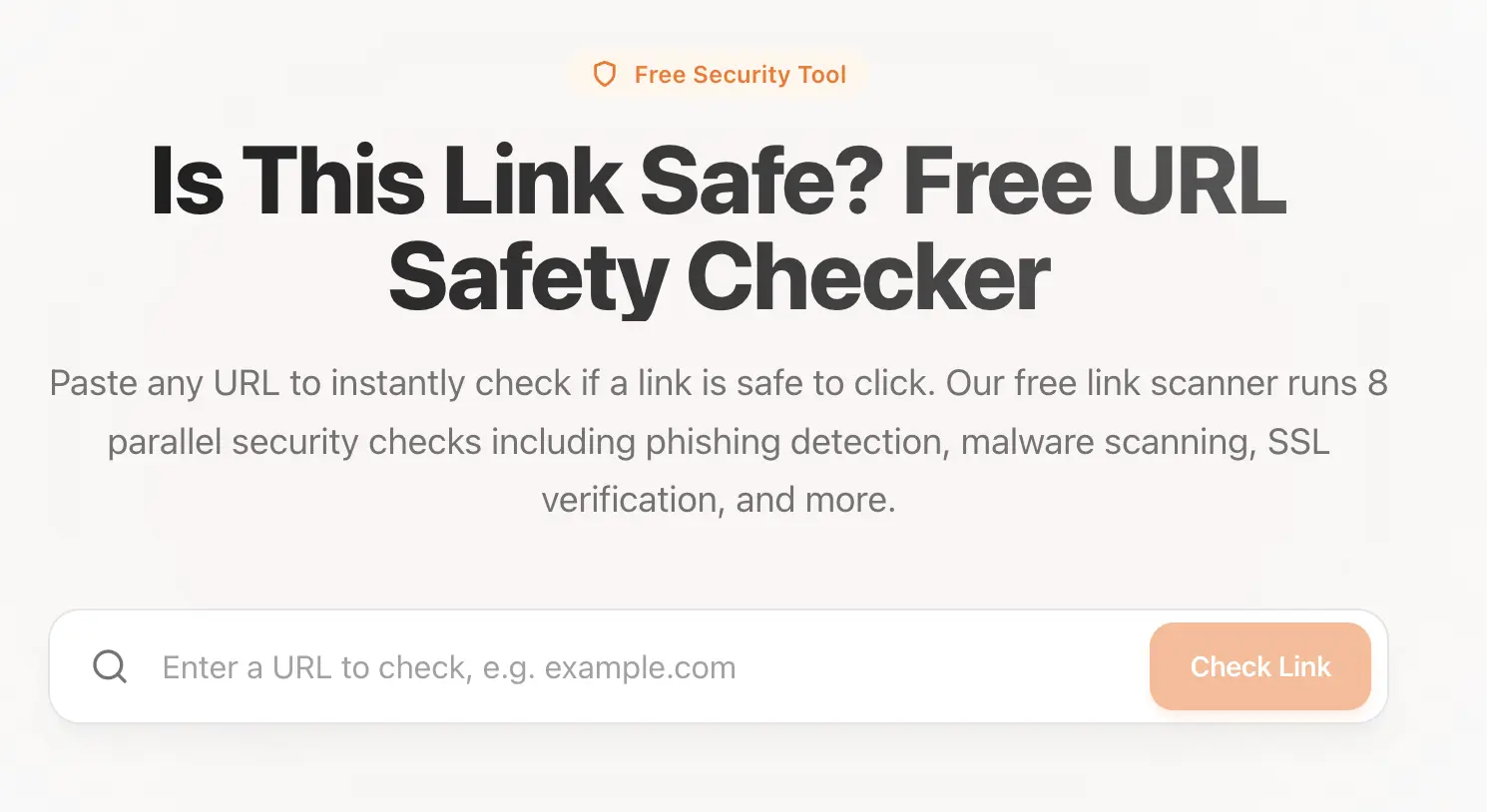 Use our tool: Link Safety Checker to check if a link is safe.
Why the Lock Icon Can Be Misleading
Browsers display the lock icon for any site with HTTPS, regardless of intent.
This means:
- A fake website can show a lock
- A scam store can appear “secure”
- Users may trust sites they shouldn’t
Always treat HTTPS as necessary but not sufficient.
What to Do If You Trusted the Wrong Website
If you entered information on a site that turned out to be unsafe:
- Change passwords immediately
- Contact your bank if payment data was shared
- Enable multi-factor authentication
- Run a malware scan
- Monitor accounts for suspicious activity
Acting quickly can reduce long-term damage.
Final Thoughts
HTTPS is an important security feature, but it is not a trust signal.
Before trusting any website, always remember:
HTTPS protects your connection — not your judgment.
To stay safe online, combine HTTPS with domain checks, context awareness, and proper verification tools.
Sources & References
Frequently Asked Questions
Is HTTPS enough to trust a website?
No. HTTPS only means the connection between your browser and the website is encrypted. It does not verify that the website itself is legitimate or safe. Scam and phishing websites frequently use HTTPS.
What does HTTPS actually protect?
HTTPS protects data in transit by encrypting information sent between your browser and the website, such as passwords or form submissions. It does not protect you from fake or malicious websites.
Can phishing websites use HTTPS?
Yes. Phishing websites commonly use HTTPS and valid SSL certificates to appear trustworthy. The presence of HTTPS alone should never be used to judge a website’s legitimacy.
How can I tell if a website with HTTPS is still unsafe?
You should check the domain name carefully, look for impersonation or misspellings, verify how old the website is, examine content quality, and use a website safety checker to identify scam indicators.
What should I check besides HTTPS before trusting a website?
In addition to HTTPS, you should verify the domain name, website age, contact information, reputation, payment methods, and whether the site pressures you with urgency or fear.