Is This Website Safe or Fake?

Is This Website Safe or Fake?
Fake websites have become increasingly common, and many of them are difficult to spot at first glance. Some look nearly identical to legitimate online stores, banks, or service providers — yet their only goal is to steal your money or personal information.
Knowing how to tell if a website is safe or fake can help you avoid scams, identity theft, and financial loss.
Why Fake Websites Are So Dangerous
Fake websites are often used to:
- Steal credit card and payment details
- Harvest usernames and passwords
- Distribute malware
- Run shopping scams with fake products
Once information is entered on a fake site, it can be reused across multiple attacks or sold to other criminals.
Want full protection beyond link checks? Aura monitors threats, blocks phishing & protects your identity — all in one app. Save up to 63% today.
Get Aura →Common Signs a Website Might Be Fake
1. Strange or Misspelled Domain Names
Fake websites often use domains that closely resemble real brands but contain small differences, such as:
- Extra words like “secure”, “shop”, or “support”
- Misspellings or swapped letters
- Unusual domain extensions
Always read the full domain name carefully, not just the logo on the page.
2. Poor Content Quality
Legitimate businesses usually invest in professional content. Fake websites often show signs such as:
- Spelling or grammar mistakes
- Awkward phrasing
- Copied product descriptions
- Broken links or incomplete pages
Low-quality content is a major red flag.
3. Deals That Seem Too Good to Be True
Fake shopping websites commonly advertise extreme discounts to lure victims.
If prices are dramatically lower than everywhere else, there’s a high chance the site is fake.
4. Limited or Suspicious Payment Options
Fake websites often:
- Only accept wire transfers, gift cards, or crypto
- Avoid trusted payment processors
- Lack clear refund or return policies
Legitimate sites typically offer secure, well-known payment methods.
5. Recently Created Websites
Many fake websites are created quickly and disappear just as fast.
Newly registered domains — especially those created within the last few weeks — carry a much higher risk of being scams.
Does HTTPS Mean a Website Is Safe?
No.
While HTTPS encrypts the connection, it does not verify that a website is legitimate. Fake websites frequently use HTTPS to appear trustworthy. For a full explanation, read is HTTPS enough to trust a website?
The lock icon alone should never be used to judge website safety.
How to Check If a Website Is Safe
Before trusting a website:
- Examine the domain name closely
- Look for clear contact information
- Check the site’s domain age
- Search for reviews or complaints
- Avoid sites pushing urgency or fear
- Use a Website Safety Checker to scan the domain
Taking a few minutes to verify a site can prevent major problems.
What to Do If You Visited a Fake Website
If you believe a website was fake:
- Do not enter further information
- Change passwords for any accounts used
- Contact your bank if payment details were shared
- Run a malware scan on your device
- Monitor accounts for suspicious activity
Quick action can limit the damage.
Final Thoughts
Fake websites are designed to look convincing, but they often reveal themselves through small details. Paying attention to domain names, content quality, and context can help you avoid falling victim to scams.
Before trusting any unfamiliar site, pause and ask:
Is this website safe or fake?
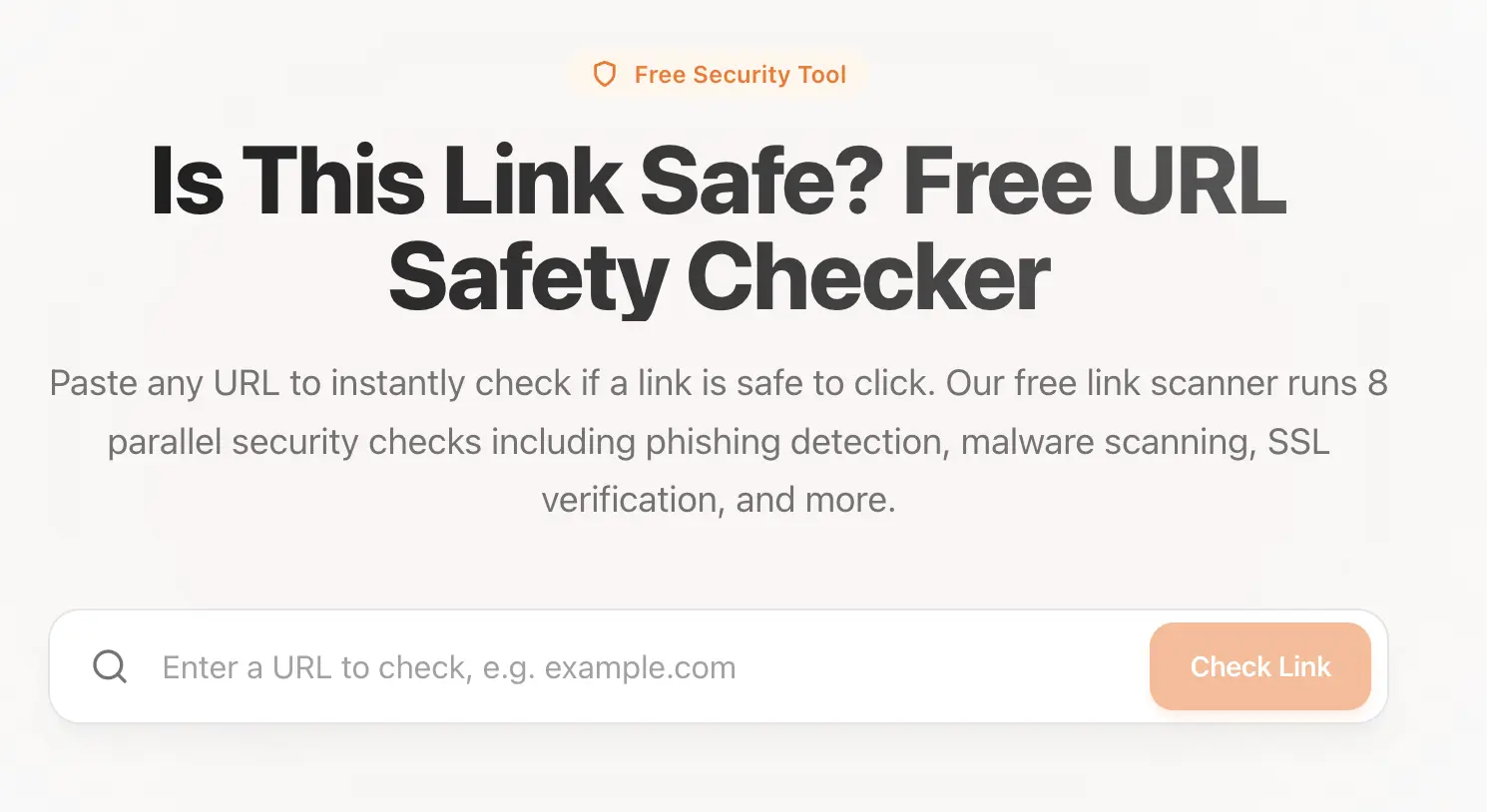 Use our tool: Link Safety Checker to check if a link is safe.
That simple question can protect your identity and finances. For a step-by-step verification checklist, see how to tell if a website is legit.
Sources & References
Frequently Asked Questions
What is a fake website?
A fake website is a site designed to deceive visitors by impersonating legitimate businesses, brands, or services. These sites often attempt to steal personal information, login credentials, or payment details.
How can I tell if a website is safe or fake?
You can check the domain name carefully, review the website’s content quality, look for secure payment methods, examine domain age, and use a website safety checker to identify known scam indicators.
Can a fake website look professional?
Yes. Many fake websites are designed to look professional, complete with logos, HTTPS encryption, and polished layouts. Visual appearance alone is not enough to determine legitimacy.
What should I do if I entered information on a fake website?
If you entered information on a fake website, immediately change your passwords, contact your bank or payment provider if financial details were shared, run a malware scan, and monitor your accounts for suspicious activity.