How to Check If a Link Is Malicious

How to Check If a Link Is Malicious
Malicious links are one of the most common ways cybercriminals steal accounts, spread malware, and launch scams. These links often appear harmless — arriving through emails, text messages, social media, or even search results. Phishing links are the most common type — read our guide on how to identify phishing links.
Knowing how to check if a link is malicious before clicking can prevent serious damage to your accounts and devices.
What Makes a Link Malicious?
A malicious link may be used to:
- Steal usernames and passwords
- Install malware or spyware
- Redirect you to fake login pages
- Trick you into sharing personal or financial information
Attackers rely on deception, not technical exploits. If you can identify suspicious signs early, you can avoid most attacks entirely.
Want full protection beyond link checks? Aura monitors threats, blocks phishing & protects your identity — all in one app. Save up to 63% today.
Get Aura →Step-by-Step: How to Check If a Link Is Malicious
1. Examine the Domain Name Carefully
The domain name is the most important part of a link.
Watch for:
- Misspelled brand names
- Extra words like
secure,verify,login, orupdate - Unusual domain endings (TLDs)
- Numbers or random characters added to known brands
Malicious links often look almost right — but not exactly.
2. Be Cautious With Shortened Links
Shortened URLs hide the real destination, making it easier for attackers to disguise malicious websites. Read our full guide on shortened URL risks.
If you see a shortened link:
- Avoid clicking directly
- Use a link preview or safety checker to expand it first
If you can’t tell where a link leads, assume it’s unsafe.
3. Check the Context of the Link
Ask yourself:
- Was I expecting this message?
- Does the sender normally share links like this?
- Is the message urgent or threatening?
Links sent with pressure or fear are commonly malicious.
4. Don’t Trust HTTPS Alone
Many people assume HTTPS means a link is safe. This is false.
HTTPS only encrypts the connection — it does not verify legitimacy. Phishing websites frequently use valid SSL certificates to appear trustworthy.
Always check the domain itself, not just the lock icon.
5. Look at the Age of the Website
Many malicious links lead to newly registered domains created specifically for scams.
New websites (registered days or weeks ago) are significantly higher risk than long-established domains.
6. Use a Link Safety Checker
The safest way to check a link is to scan it with a dedicated Link Safety Checker.
These tools can:
- Analyze domain age
- Check against known malicious databases
- Detect suspicious URL patterns
- Identify phishing and scam indicators
Scanning a link before clicking adds an extra layer of protection.
Common Places Malicious Links Appear
Malicious links are frequently found in:
- Emails claiming account issues
- Text messages about deliveries or refunds
- Social media messages and comments
- Fake ads and sponsored search results
- Messaging apps like WhatsApp or Telegram
Always stay alert — even on platforms you trust.
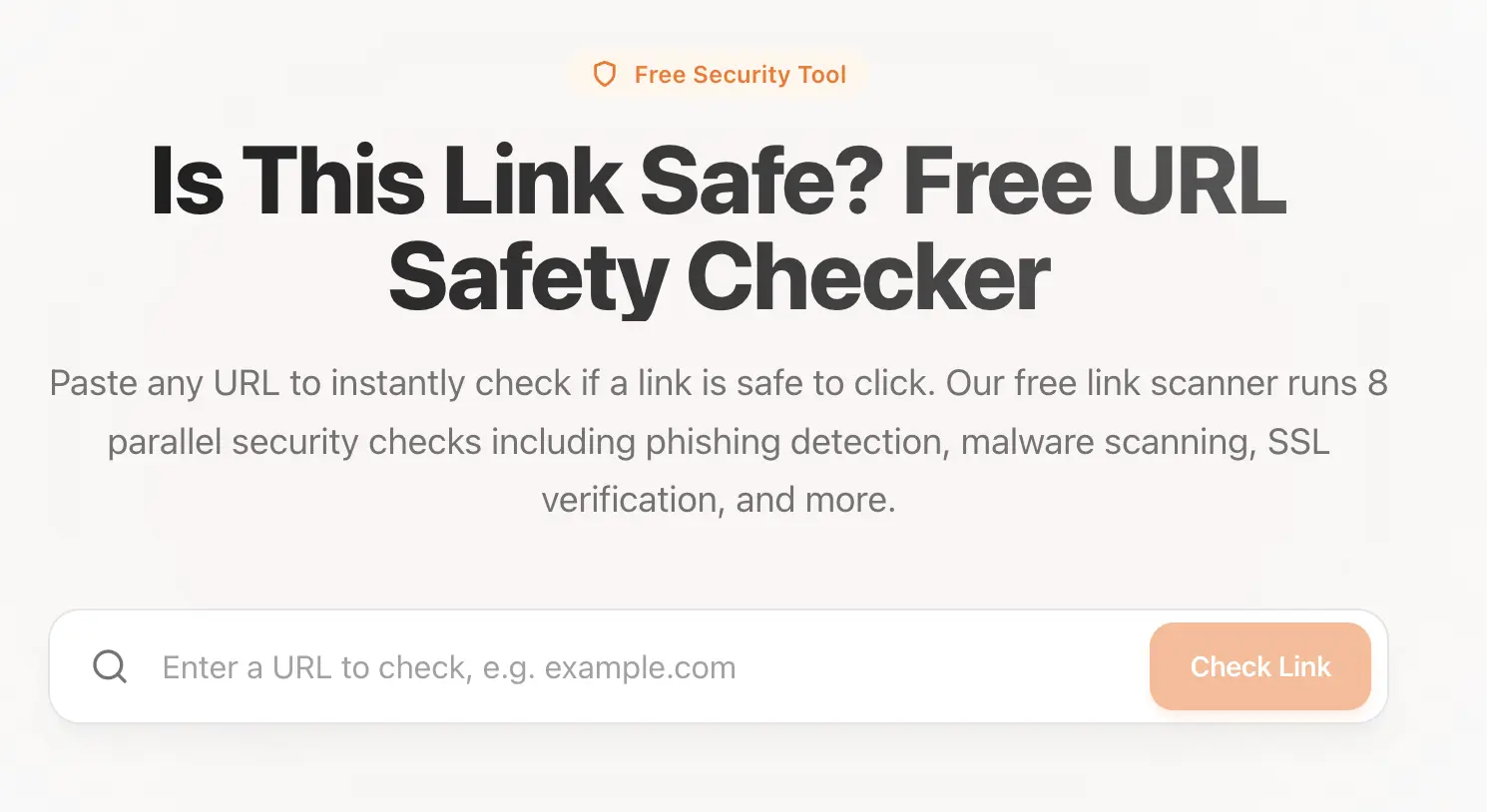 Use our tool: Link Safety Checker to check if a link is safe.
What to Do If You Clicked a Malicious Link
If you suspect you clicked a malicious link:
- Close the website immediately
- Do not download files or enter information
- Run a full malware scan
- Change passwords for affected accounts
- Enable multi-factor authentication
- Monitor accounts for unusual activity
Quick action can limit damage.
Final Thoughts
Most malicious links succeed because they look convincing and create urgency. By slowing down and checking links carefully, you can avoid the vast majority of online threats.
Before clicking any unfamiliar URL, always ask:
How do I know this link is not malicious?
A few seconds of caution can prevent serious consequences.
Sources & References
Frequently Asked Questions
What is a malicious link?
A malicious link is a URL designed to harm users by stealing information, installing malware, redirecting to scam websites, or exploiting browser vulnerabilities. These links are commonly used in phishing attacks and online scams.
How can I check if a link is malicious before clicking?
You can inspect the URL carefully, look for suspicious domain names, check the domain age, avoid shortened links, and use a trusted link safety checker to scan the URL before clicking.
Are malicious links always obvious?
No. Many malicious links are designed to look legitimate by mimicking trusted brands, using HTTPS, or hiding behind shortened URLs. This is why careful inspection and link scanning tools are important.
What should I do if I clicked a malicious link?
If you clicked a malicious link, close the page immediately, avoid entering any information, run a malware scan, change passwords for affected accounts, and monitor your accounts for suspicious activity.