How to Identify Phishing Links Before You Click

Phishing attacks remain one of the most common cyber threats. According to the FBI's Internet Crime Complaint Center, phishing was the most reported cybercrime in recent years. Knowing how to spot a malicious link before clicking can save you from identity theft, malware infections, and financial loss.
What is a Phishing Link?
A phishing link is a URL designed to trick you into visiting a malicious website that impersonates a legitimate one. These sites typically try to steal your login credentials, personal information, or financial data. The Anti-Phishing Working Group (APWG) tracks hundreds of thousands of unique phishing sites each quarter.
Want full protection beyond link checks? Aura monitors threats, blocks phishing & protects your identity — all in one app. Save up to 63% today.
Get Aura →Warning Signs to Watch For
1. Suspicious Domain Names
Phishers often register domains that look similar to real ones:
paypa1.cominstead ofpaypal.comamaz0n-secure.cominstead ofamazon.comlogin.bankofamerica.com.evil-site.com
Always check the actual domain name carefully.
2. Newly Registered Domains
Most phishing sites use newly registered domains. If a domain is only a few days old, that is a significant red flag. Our Link Safety Checker evaluates domain age as part of its analysis.
3. Missing or Invalid SSL Certificates
While having HTTPS does not guarantee safety, the absence of SSL is a warning sign. Legitimate businesses always use valid SSL certificates.
4. Unusual URL Patterns
Watch for:
- IP addresses instead of domain names
- Excessive subdomains
- Unusually long URLs with random characters
- URLs containing words like "login," "secure," or "verify" combined with legitimate brand names
Not sure if a link is safe?
Our free Link Safety Checker scans any URL for phishing, malware, and suspicious patterns — instant results, no sign-up required.
How to Protect Yourself
CISA's phishing guidance recommends a multi-layered approach to phishing defense:
- Hover before you click - Check where a link actually leads before clicking
- Use a link checker - Tools like our Link Safety Checker can analyze URLs for you
- Look for HTTPS - Make sure the site uses a valid SSL certificate
- Verify the sender - If you received the link via email, verify the sender's address
- When in doubt, navigate directly - Type the website address manually instead of clicking links
Extra Layers of Protection
Beyond safe browsing habits, checking links manually only protects you in the moment — it doesn't protect you from hidden threats like data breaches, identity theft, or credentials already circulating on the dark web. An all-in-one solution monitors your accounts continuously and alerts you the moment something changes.
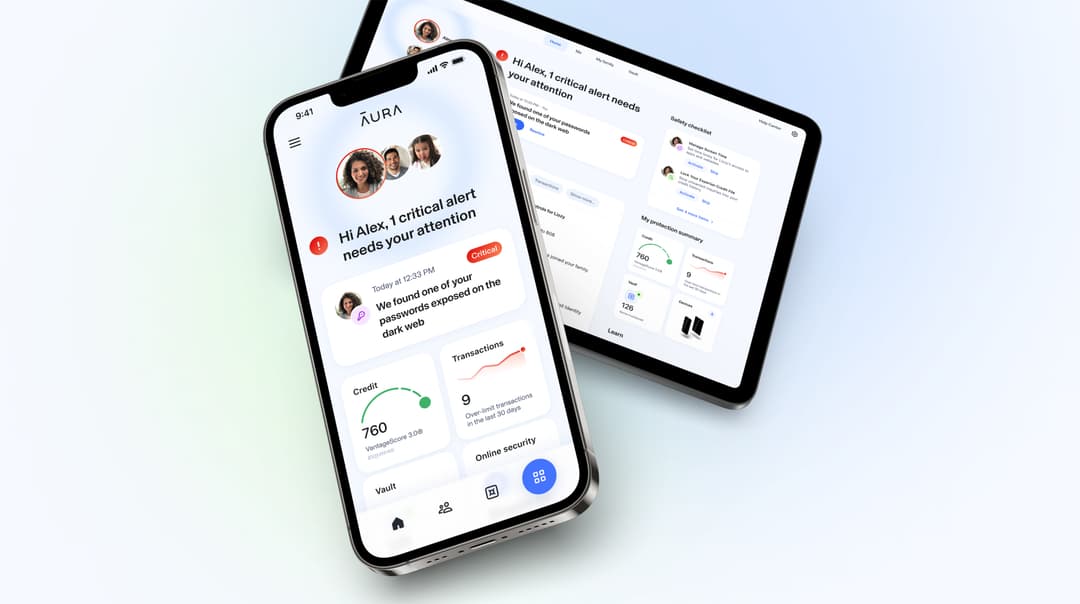
 ·Award-Winning Online SafetyRecommended
The Smart, Simple Way To Stay Safe Online
All-in-one protection from identity theft, fraud, and online threats — includes $1M Identity Theft Insurance, credit monitoring, VPN, and antivirus.
Consistently ranked among the top identity protection services by Forbes Advisor, US News, and Money.
* Affiliate link. We may earn a commission at no extra cost to you.
Use Our Free Tool
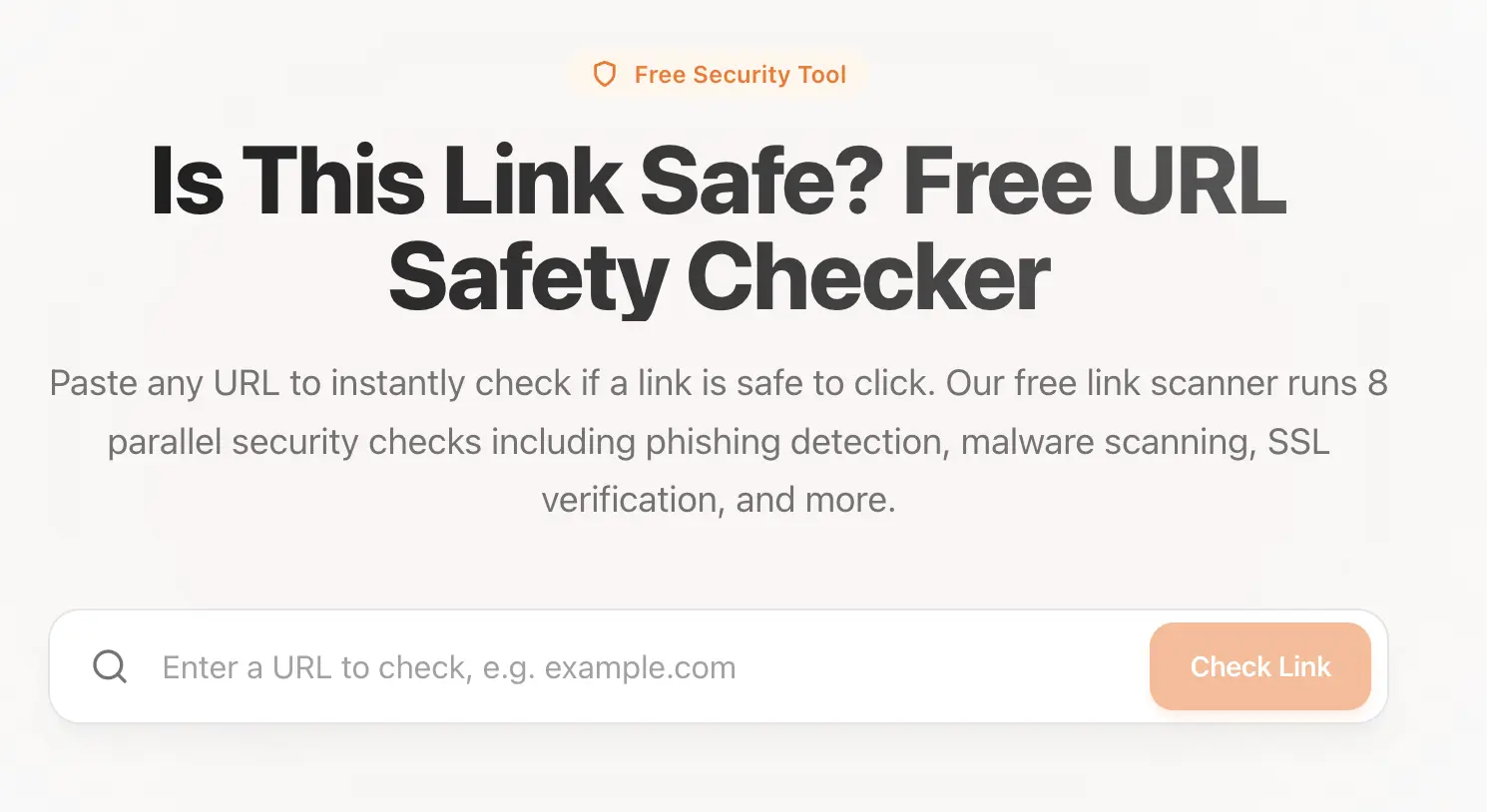 Our Link Safety Checker runs multiple security checks including domain age verification, SSL analysis, DNS checks, and Google Safe Browsing lookup to give you a comprehensive risk assessment of any URL. For related reading, see how to check if a link is malicious and is this link safe to click?
Sources & References
Frequently Asked Questions
What is a phishing link?
A phishing link is a URL designed to trick you into visiting a fake website that impersonates a legitimate one. These sites typically try to steal your login credentials, personal information, or financial data by mimicking trusted brands like banks, social media platforms, or online stores.
How can I check if a link is safe before clicking?
You can hover over the link to preview the actual URL, use a link checker tool like our free Link Safety Checker, look for HTTPS and a valid SSL certificate, and verify the sender if the link came via email. When in doubt, navigate to the website directly by typing the address in your browser.
Can a link with HTTPS still be dangerous?
Yes. HTTPS only means the connection between your browser and the site is encrypted — it does not guarantee the site itself is legitimate. Phishing sites frequently use valid SSL certificates to appear trustworthy. Always check the domain name carefully in addition to looking for HTTPS.
What should I do if I clicked a phishing link?
If you clicked a phishing link, do not enter any personal information. Close the page immediately, clear your browser cache, run a malware scan on your device, and change passwords for any accounts that may have been compromised. If you entered financial information, contact your bank immediately.