Is This Link Safe to Click?

Is This Link Safe to Click?
Every day, people click on links from emails, messages, social media, and websites without thinking twice. Unfortunately, a single unsafe click can lead to stolen passwords, compromised accounts, or even financial loss.
So how do you know if a link is safe to click?
Understanding how malicious links work — and how to spot warning signs — can help you avoid phishing attacks and online scams before it’s too late.
Why Unsafe Links Are So Dangerous
Unsafe links are one of the most common attack methods used by cybercriminals. These links often lead to:
- Fake login pages that steal usernames and passwords
- Malware downloads that infect your device
- Scam websites impersonating trusted brands
- Pages that silently track or exploit your browser
According to global cybersecurity reports, phishing links remain the number one initial entry point for account takeovers and data breaches.
Want full protection beyond link checks? Aura monitors threats, blocks phishing & protects your identity — all in one app. Save up to 63% today.
Get Aura →Common Signs a Link Is NOT Safe
Before clicking any link, watch for these red flags:
1. Suspicious Domain Names
Attackers often register domains that look similar to legitimate ones, such as:
paypaI.com(capital “i” instead of “l”)secure-google-login.net- Extra words like “verify”, “secure”, or “update”
Always read the domain carefully, not just the brand name.
2. Shortened or Obscured Links
Short links hide the real destination. While not always malicious, they are frequently abused in scams. Read our dedicated guide: is it safe to click shortened URLs?
If you cannot clearly see where a link goes, don’t click it blindly.
3. Urgent or Fear-Based Messages
Links that pressure you to act immediately are a major warning sign:
- “Your account will be closed”
- “Unusual activity detected”
- “Verify now to avoid suspension”
Attackers rely on panic to override caution.
4. Links From Unexpected Sources
Even if a message appears to come from someone you know, attackers can hijack accounts or spoof sender details.
If you weren’t expecting the link, treat it with suspicion.
Can HTTPS Links Still Be Dangerous?
Yes — and this is a common misconception.
HTTPS only means the connection is encrypted. It does not mean the website is legitimate or safe.
Modern phishing sites routinely use valid SSL certificates to appear trustworthy. Always verify the domain itself, not just the lock icon.
How to Check If a Link Is Safe Before Clicking
Here are safer ways to evaluate links:
- Hover over the link to preview the full URL
- Check the domain spelling carefully
- Look up the domain age (new domains are higher risk)
- Avoid clicking links from unsolicited messages
- Use a trusted Link Safety Checker to scan the URL
If something feels off, trust your instincts and avoid clicking.
What to Do If You Already Clicked a Suspicious Link
If you clicked a link and suspect it was unsafe:
- Close the page immediately
- Do not enter any information
- Run a malware scan on your device
- Change passwords for affected accounts
- Enable multi-factor authentication where possible
- Monitor your accounts for unusual activity
Acting quickly can significantly reduce damage.
Final Thoughts
Unsafe links are designed to look convincing — but with a little awareness, they’re often easy to spot.
Before clicking, always pause and ask yourself:
Is this link safe to click?
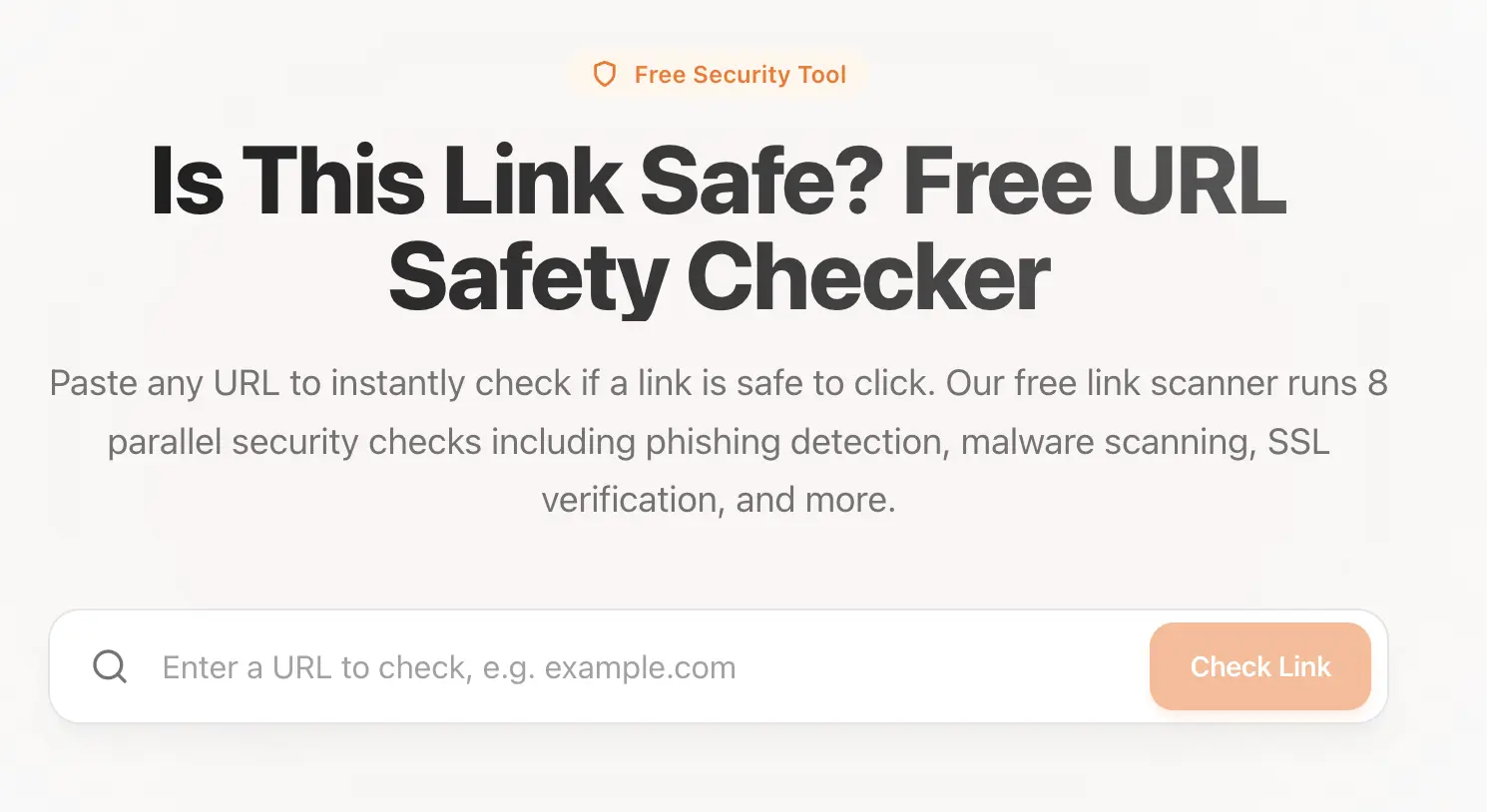 Use our tool: Link Safety Checker to check if a link is safe.
Taking a few seconds to check can save you from weeks or months of recovery. For phishing-specific warning signs, see how to identify phishing links.
Sources & References
Frequently Asked Questions
What does it mean if a link is unsafe?
An unsafe link may lead to a phishing website, malware download, or scam page designed to steal your personal information, login credentials, or financial data.
How can I check if a link is safe before clicking?
You can preview the link URL, examine the domain name carefully, check the site age, look for suspicious spelling or extra characters, and use a trusted link safety checker tool before clicking.
Can a shortened link be dangerous?
Yes. Shortened links often hide the final destination, making it easier for attackers to disguise phishing or malware sites. Always expand or scan shortened links before clicking.
Is HTTPS enough to trust a link?
No. HTTPS only indicates encryption, not legitimacy. Many phishing websites use HTTPS to appear trustworthy, so you must also verify the domain name and context of the link.