How to Tell If a Website Is Legit

How to Tell If a Website Is Legit
With thousands of new websites launching every day, it’s becoming harder to tell which ones are legitimate and which are scams. Fake websites can look professional, use HTTPS, and even appear in search results — yet still exist solely to steal money or personal information.
Knowing how to tell if a website is legit can help you avoid online scams, identity theft, and financial loss. You may also want to read our related guide on how to spot a safe or fake website.
Why It’s Important to Verify Website Legitimacy
Visiting or interacting with a fake website can lead to:
- Credit card fraud
- Stolen login credentials
- Malware infections
- Identity theft
- Lost money from fake online stores
Once information is shared, it can be difficult to recover.
Want full protection beyond link checks? Aura monitors threats, blocks phishing & protects your identity — all in one app. Save up to 63% today.
Get Aura →Key Signs a Website Is Legit
1. Check the Domain Name Carefully
Legitimate websites usually use clear, recognizable domain names.
Be cautious if the domain:
- Contains misspellings or extra characters
- Uses unexpected words like “secure”, “verify”, or “support”
- Has a strange or uncommon extension
Always read the full domain name, not just the logo or page title.
2. Review the Website’s Content Quality
Legit websites generally have:
- Clear, professional writing
- Consistent branding
- Complete pages (About, Contact, Policies)
Multiple spelling errors, copied text, or broken links are strong warning signs.
3. Look for Real Contact Information
A legitimate business usually provides:
- A physical address or registered location
- A working email address
- A customer support method
If the site only provides a contact form or no contact details at all, be cautious.
4. Check How Long the Website Has Existed
Many scam websites are created recently and shut down quickly.
Websites that were registered only days or weeks ago are significantly more likely to be scams than long-established domains.
5. Be Wary of Unrealistic Offers
If a website offers prices far lower than competitors or promises guaranteed results, it’s often a scam.
Legitimate businesses rarely rely on extreme discounts or urgency to attract customers.
Does HTTPS Mean a Website Is Legit?
No.
HTTPS only protects the data being transmitted. It does not confirm that a website is trustworthy or operated by a real business. Read more in our guide: is HTTPS enough to trust a website?
Many scam websites use HTTPS to appear legitimate.
How to Check If a Website Is Legit Before Trusting It
Before entering personal or payment information:
- Examine the domain name carefully
- Search for independent reviews
- Check the website’s domain age
- Avoid pressure tactics and urgency
- Use a Website Safety Checker to scan the site
Taking a few minutes to verify a website can prevent serious consequences.
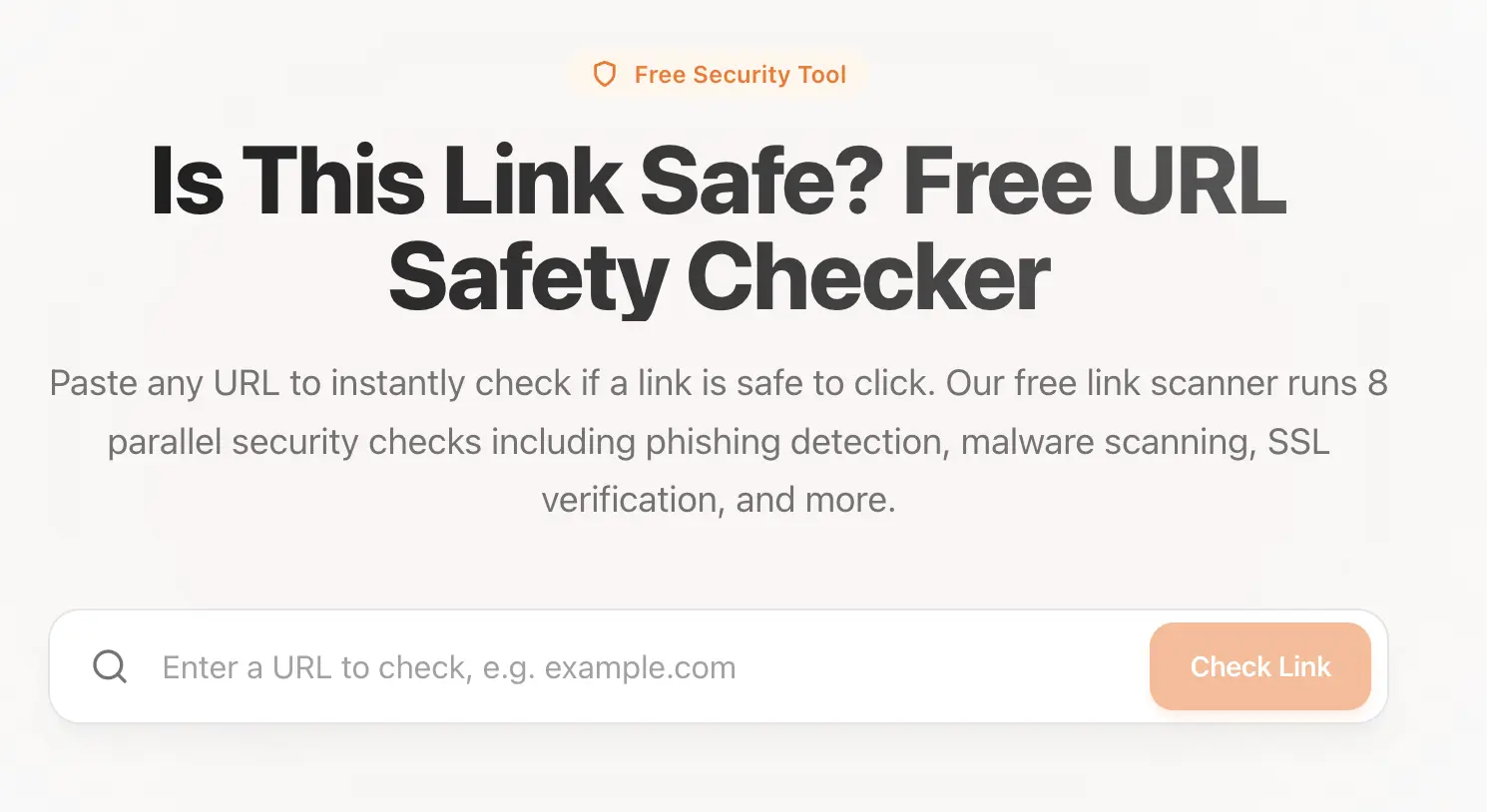 Use our tool: Link Safety Checker to check if a link is safe.
What to Do If You Used a Fake Website
If you believe you interacted with a fake website:
- Stop using the site immediately
- Change passwords for any accounts involved
- Contact your bank if payment information was shared
- Run a malware scan on your device
- Monitor your accounts for suspicious activity
The sooner you act, the better your chances of minimizing damage.
Final Thoughts
Fake websites are designed to look convincing, but they often reveal themselves through small details. By checking domains, content, and context, you can avoid most online scams.
Before trusting any unfamiliar site, always ask:
How do I know this website is legit?
A few extra checks can protect your money, identity, and peace of mind.
Sources & References
Frequently Asked Questions
How can I tell if a website is legit?
You can tell if a website is legit by checking the domain name carefully, reviewing the website’s content quality, verifying contact information, checking how long the domain has existed, and scanning the site with a trusted website safety checker.
What are the biggest signs a website is not legitimate?
Common signs a website is not legitimate include misspelled domain names, poor grammar, unrealistic offers, pressure to act quickly, limited payment options, and recently registered domains.
Can a legit website still look suspicious?
Yes. Some legitimate websites may look outdated or poorly designed, especially small businesses. Appearance alone is not enough — always verify the domain, payment methods, and business information.
Is HTTPS enough to prove a website is legit?
No. HTTPS only encrypts data between your browser and the website. Scam websites often use HTTPS as well, so you must also verify the domain name, content, and legitimacy of the business.
How do I check if an online store is legit before buying?
To check if an online store is legit, review the domain name, look for real customer reviews, check return and refund policies, verify contact details, and avoid stores with prices that seem too good to be true.